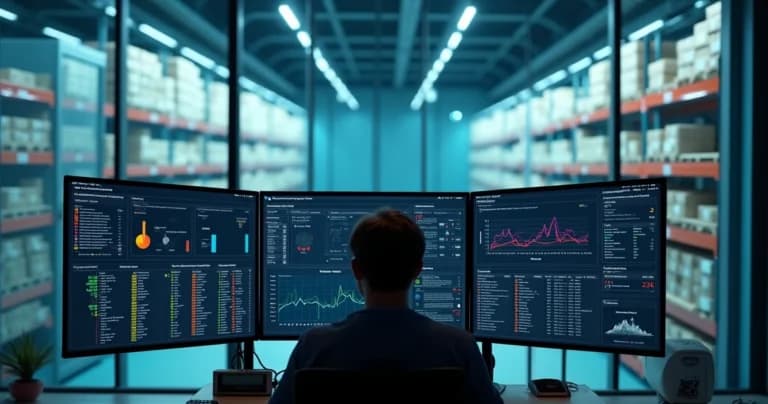
When I decided to study in depth the monitoring of temperature-sensitive supplies, I quickly noticed a common point among various losses in the sector: simple control failures. It's no exaggeration. Industry data shows that approximately 20% of temperature-sensitive medications are lost in transport due to thermal variations, causing billions in losses every year (industry estimates). Seeing this, it became clear to me that active and constant monitoring systems make all the difference.
Today, I want to show how solutions based on IoT sensors and integration with software like HWMonitor can transform this reality in the daily operations of pharmacies, hospitals, laboratories, clinics, distribution centers, and food retail networks. My experience in the field shows that a small step in automation can prevent massive losses and bring peace of mind to teams responsible for these operations.
The Challenge of Controlling Temperature-Sensitive Supplies
Imagining that a simple power outage or a poorly closed refrigerator door could invalidate an entire shipment of vaccines or food is quite frightening. And it happens more often than one might think. According to the Federal Audit Court, more than 54 million vaccine doses expired in storage by September 2022 alone, with potential losses exceeding R$ 2 billion.
But as I've observed in audits and technical visits, the challenge lies not only in inadequate storage but also in the lack of traceability and analysis of environmental data. In the past, checking was manual, susceptible to human error and incomplete records. Today, there is a practical and reliable way to eliminate much of these risks.
Monitoring well means caring for people and investment.
Why Use HWMonitor and IoT Sensors to Monitor Supplies?
When looking for success stories, I see that applications like HWMonitor emerge as a modern alternative to old clipboards and analog thermometers. By integrating smart sensors with monitoring software, it opens space for precise control of critical environmental variables: temperature, humidity, pressure, and even door openings.
- HWMonitor is software known in the technology field for monitoring hardware parameters in computers, such as CPU temperature, GPU, and voltages.
- Integrated with IoT sensors, it can be adapted to monitor storage environments for temperature-sensitive supplies, leveraging a familiar interface and alert resources.
- Automation drastically reduces human errors and recording omissions.
I've seen firsthand that teams adopting digital platforms gained more confidence in recorded data, responding faster to any anomaly. And beyond these gains, they were also able to simplify audits and reports.
How HWMonitor Integrated with IoT Sensors Works
Unlike domestic or personal use, where HWMonitor traditionally serves for quick diagnostics on computers, application in supply monitoring requires integration with physical sensors, IoT circuits, and secure communication networks.
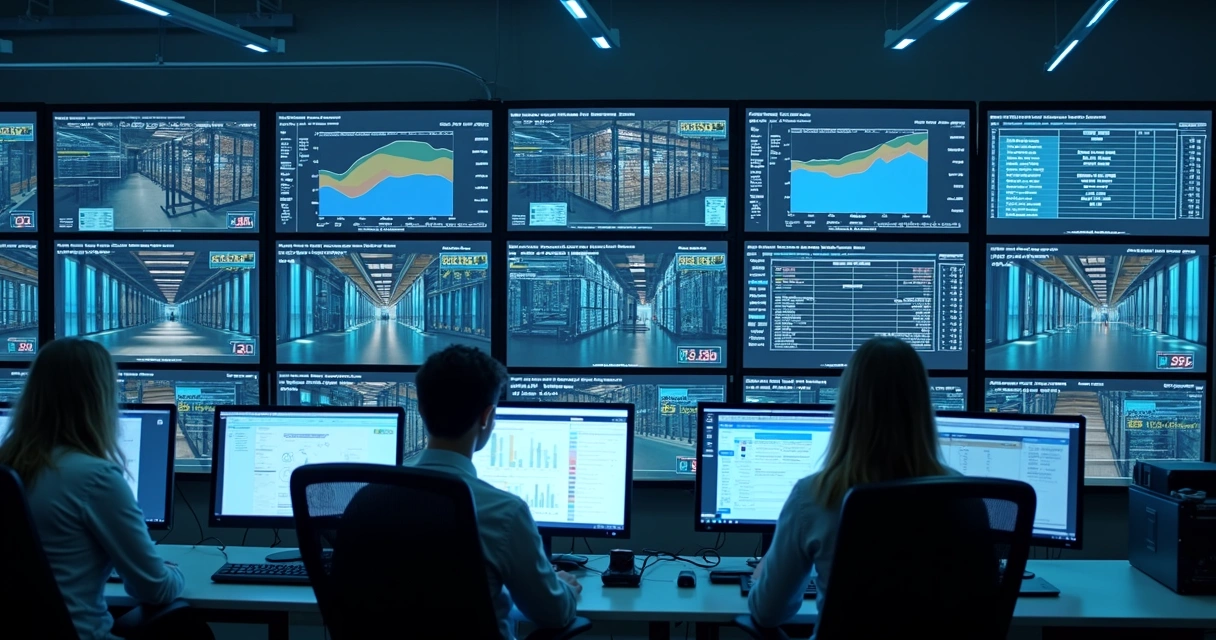
I've already implemented integration scenarios like this:
- Installation of IoT sensors in critical environments: Temperature and humidity sensors positioned at appropriate points, with constant data collection.
- Connection of sensors to server or local station: Communication via Wi-Fi, ethernet, LoRaWAN, or other technologies, sending data in real time.
- Reading data via HWMonitor (or adapted products): Software adapted from HWMonitor can receive and display this information, crossing it with configured limits.
- Configuration of automatic alerts: When a value falls outside the safe range defined by ANVISA or internal protocols, they generate notifications via email, SMS, or applications.
- Generation and storage of reports: SaaS platform like DROME collects, organizes, and makes detailed reports accessible, always ready for audits.
This model makes environmental monitoring as natural as checking computer status. If something goes wrong, the system acts before damage occurs.
Main Benefits for Those Dealing with Medications, Vaccines, and Food
From what I observe in the daily operations of healthcare and food companies, the benefits of this monitoring are clear:
- Near-total reduction of losses from technical failures, thanks to immediate alerts.
- Automatic proof of compliance for audits by regulatory agencies.
- Systematic and secure data recording, with traceability.
- Peace of mind for the entire team, even outside business hours.
The difference is built through small actions. A quick alert can save thousands of dollars in vaccines about to be compromised due to a refrigeration failure.
How to Configure HWMonitor to Monitor Temperature-Sensitive Supplies
I remember when I installed such a system for the first time in a laboratory. The process was simple, but people often ask me for details to ensure everything works correctly. I share below the main steps, with tips I've learned along the way.
Sensor Selection and Integration
First and foremost, it's essential to use certified sensors compatible with computerized systems. I always recommend talking with experienced suppliers, especially when ANVISA standards or international requirements are at stake. They help specify high-precision sensors with open integration protocols, making it easier to connect with platforms like HWMonitor and advanced SaaS systems.
Physical Installation of Sensors
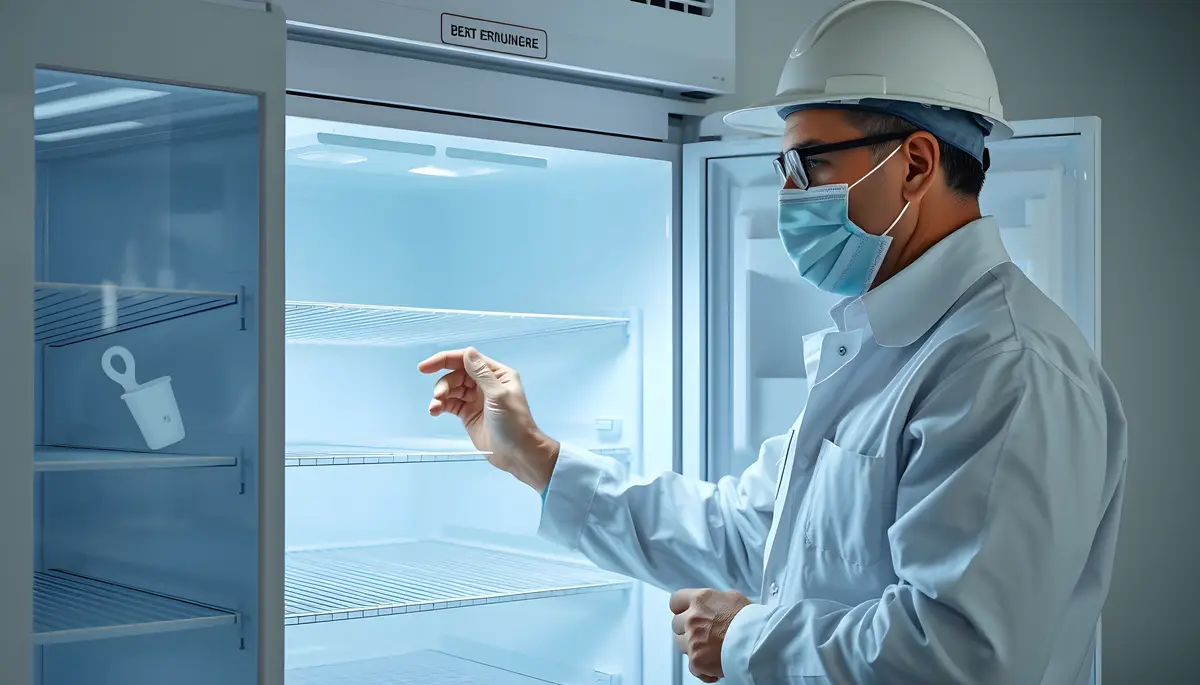
In environments like refrigerators, freezers, cold rooms, or warehouses, correct positioning makes a difference. I placed sensors near the center of the stored volume, avoiding areas where there may be fluctuations near doors. I also identify each sensor in the software with descriptive labels, which facilitates future audits.
HWMonitor Software Configuration and Data Connection
Each sensor uses a digital communication channel (USB, Wi-Fi, or RS-232/485 interfaces) that requires drivers and plugins. HWMonitor can be adapted to read this data via specific APIs or bridge systems.
- Configure sensor recognition in the software.
- Set safe temperature and humidity ranges in the system.
- Program alerts for each sensor individually.
- Enable automatic report generation and scheduled sending.
The Importance of Automatic Alerts and Quick Responses
I've experienced situations where a simple SMS saved an entire shipment of supplies. In one specific incident, sensors detected sudden heating due to electrical failure. The alert allowed immediate action, preventing high-value vaccines from being discarded.
Automatic alerts function as invisible insurance: no one needs to be physically checking everything 24/7, but any anomaly is detected within minutes.
Additionally, systems like DROME's allow scaling the volume of alerts to different people: on-call technicians, managers, and even third parties responsible. This is far superior to competitors that limit channels or make integration with mobile applications and corporate systems difficult.
Automatic Reports, Traceability, and Audits
When I faced rigorous audits, I realized that the time spent gathering data and proving compliance can be enormous. But when the platform generates reports automatically, each monitored variable comes recorded with date, time, minimums, maximums, and alerts, simplifying all analysis. Not only do you save time, but you increase transparency.
The Role of Digital Reports in Routine
- Daily, weekly, and monthly reports can be sent automatically.
- All records are protected against fraud and improper editing.
- Facilitates tracking of history and identification of suspicious patterns.
When there's non-compliance or surprise audit, access to digital history accelerates responses and resolves questions, creating an environment of trust for the entire chain.
Generating automatic reports with reliable data drastically reduces response time in audits and health inspections.
Remote Monitoring and Data Traceability
A characteristic I value greatly is remote access to data. I've needed, on several occasions, to access sensor information outside business hours or during travel. Systems like DROME solve this issue with highly intuitive web interfaces and mobile applications. At any time, from anywhere, it's possible to know if everything is under control.
How Does Traceability Work?
All events are recorded. Configuration changes, adjustments, temperature spikes, door openings. This creates a failsafe audit trail, ideal for the pharmaceutical, hospital, or food sector.
Digital traceability is a guarantee of peace during audits.
Integration with SaaS Platforms: Resources Beyond HWMonitor
While software like HWMonitor offers versatility in monitoring, SaaS platforms like DROME's add indispensable strategic resources, especially in predictive analysis and artificial intelligence.
- Trend analysis and failure prediction based on history.
- Automatic sensor calibration management, alerting for expiration.
- Centralized dashboard for multiple locations and sectors.
- Integration with inventory and ERP systems via API.
When I participated in a large project, I saw that competing platforms generally offer basic dashboards and little flexibility for historical analysis. DROME's differentiator lies precisely in anticipating problems, interpreting patterns, and delivering intelligent reports, not just a static snapshot of the environment. This drastically reduces invisible losses in storage, as I address in 9 invisible failures in delicate supply storage.
Access Control, Security, and Data Privacy
Another point I always discuss with clients is security. I've seen companies have data altered by error or bad faith, which can compromise the validity of records before authorities. DROME's system works with permissions, access trails, automatic backup, and end-to-end encryption, surpassing gaps common in "homemade" solutions.
Protected digital reports, cloud backup, and access restrictions by profile make the platform secure and reliable in the face of modern LGPD and compliance challenges.
Practical Examples: How Do Teams Use HWMonitor with DROME in Daily Operations?
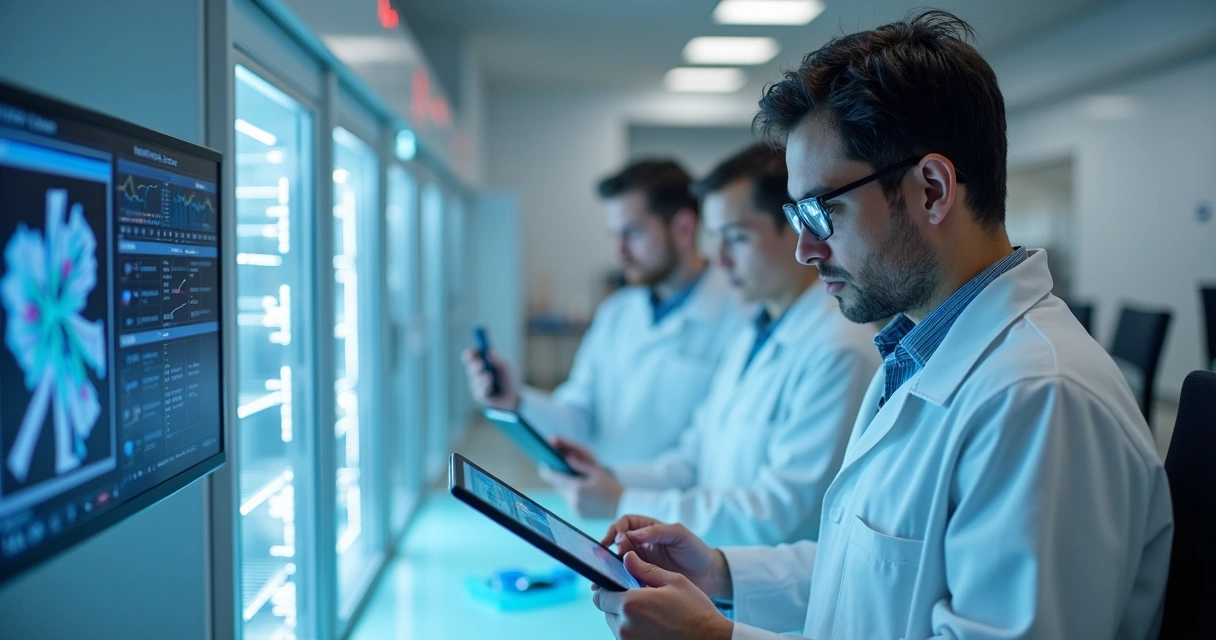
In countless pharmacies and hospitals I've followed, the workflows are similar:
- Sensors monitor refrigerator temperature.
- Data is automatically sent to monitoring software and recorded on the SaaS platform.
- Responsible parties receive alerts about variations in real time, acting quickly in case of anomaly.
- Audits or inspections have immediate access to complete reports, with detailed history.
- Managers track indicators and trends through the centralized panel.
These processes have already resulted in significant savings, both through loss prevention and reduction of time spent on checks and manual documentation. Cases like recent Ministry of Health vaccination campaigns showed that automatic strategies prevented disposal and saved R$ 251 million, preserving 12.3 million doses (inventory management actions and vaccination campaigns in 2023).
In my view, platforms that don't offer quick responses, full integration, and intelligent data analysis no longer serve this segment. And I see that DROME takes a leading role that's missing in other players due to its customization capability, IoT and AI integration, and excellence in technical support.
Solutions to Ensure Safe Storage and Complete Traceability
I never tire of saying: it's not just about recording numbers, but protecting lives and investments. And that depends on processes, technology, and continuous system maintenance.
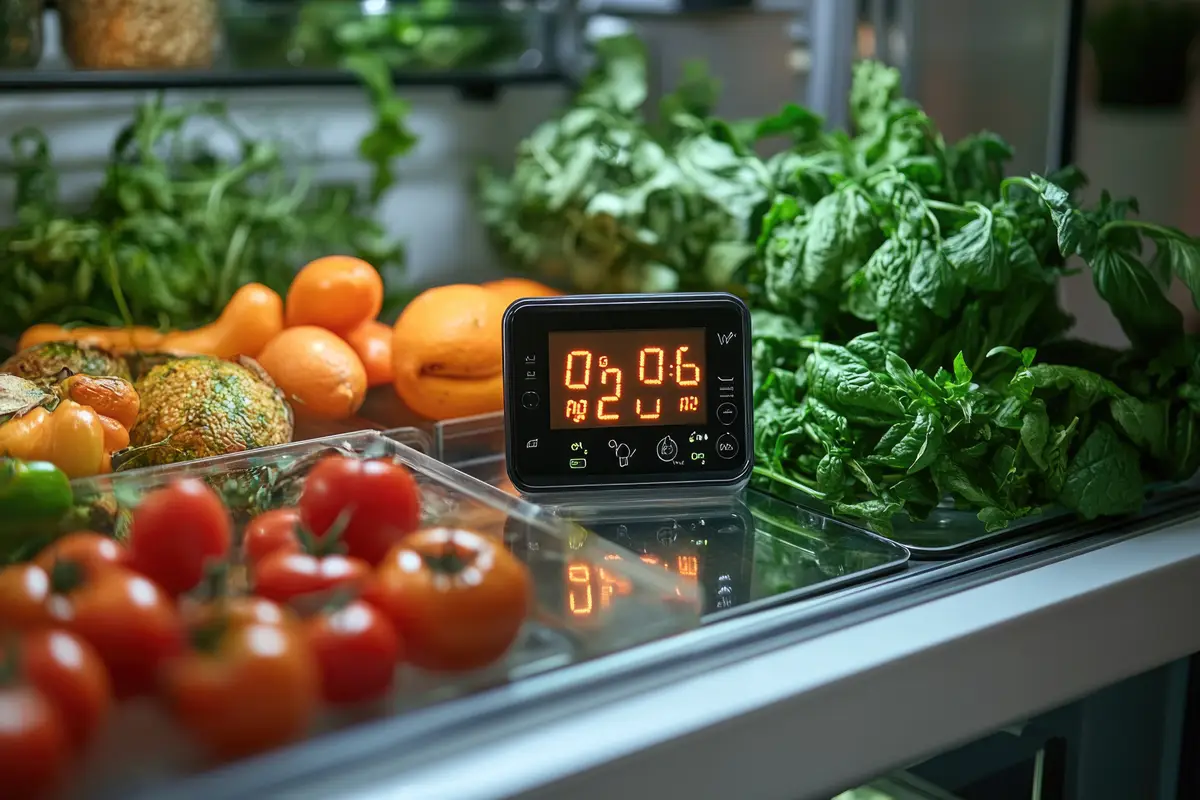
- Choose high-precision sensors, certified by regulatory agencies.
- Integrate these sensors with reliable software and SaaS platforms, ensuring secure data synchronization.
- Define responsible parties and response flows to automatic alerts.
- Train teams to consult dashboards and interpret reports.
- Automate backup and data protection, respecting all privacy regulations.
To deepen best practices, I recommend checking the article on best practices for real-time supply tracking, which shows how small daily measures make a difference in the long run.
How to Choose the Best System to Monitor Temperature-Sensitive Supplies?
I've compared dozens of solutions on the market. While generic systems exist, I perceive that for supply safety, it's better to opt for specialized platforms with proven track record and dedicated support. Unlike basic software that limits integration, DROME's SaaS platform offers:
- Native support for multiple sensors and IoT protocols.
- Intuitive management panel, accessible via web or application.
- Automatic analysis with AI, identifying potential risks.
- Complete reports and files ready for audit.
- Sensor calibration management, another differentiator for legal compliance.
If you want to compare available options, I suggest this guide on how to choose the best datalogger to monitor temperature-sensitive supplies, which explains critical decision points.
Reducing Human Errors with Monitoring Automation
Human errors remain hidden villains in supply losses, as I show in the article on how to reduce losses from human errors. Automatic dashboards, event alerts, and audit trails help drastically reduce these risks.
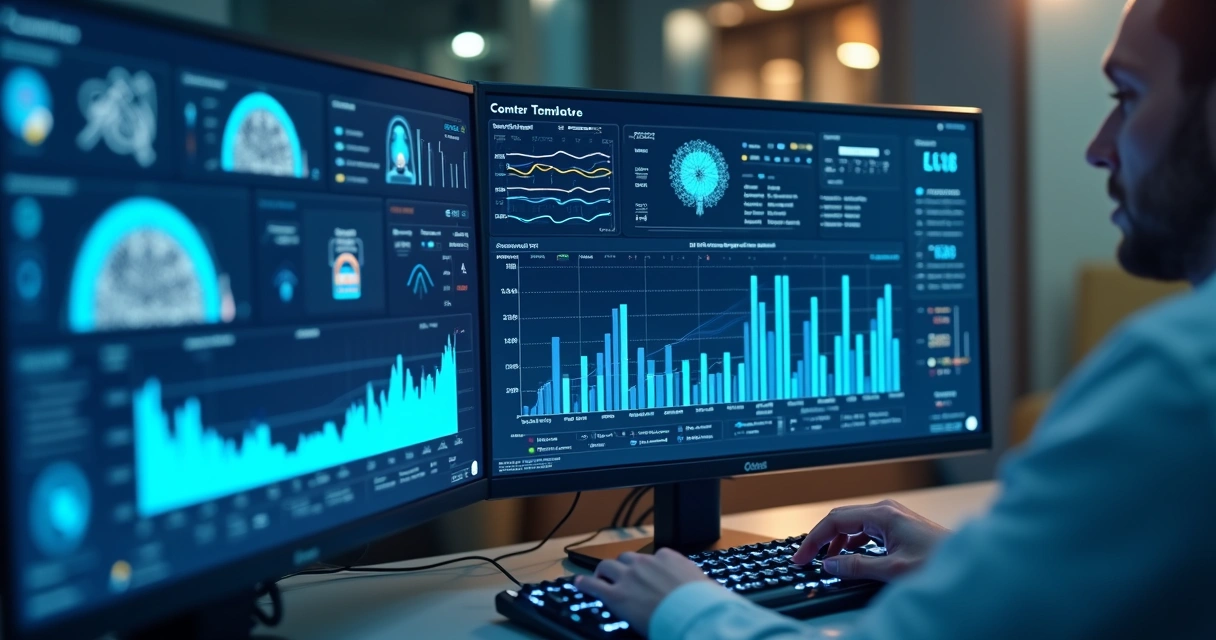
Automating monitoring doesn't replace team care, but enhances safety and minimizes error risk. I always see increased confidence when employees know the system performs constant checking and already alerts responsible parties if something isn't right.
Main Questions I Clarify About Digital Monitoring
- Can I monitor multiple environments and sectors? Yes, even in a centralized way.
- Is it possible to access old records? Yes, all history is protected and available for consultation.
- Do sensors need calibration? They do, and DROME's platform notifies when the deadline expires.
For those who've made it this far and wish to transform the management of temperature-sensitive supplies, my direct suggestion is to adopt integrated systems, choose partners experienced in the sector, and invest in environmental monitoring automation.
Conclusion
I've seen real changes whenever companies abandon spreadsheets and manual controls to invest in connected and intelligent systems. The integration of IoT sensors with reliable software like HWMonitor raises storage safety, reduces losses, and offers peace of mind to those dealing with products that literally save lives.
However, it's with platforms like DROME's that it's possible to achieve the level of predictive analysis, complete traceability, and immediate response that the current healthcare and food scenario demands. It's not just technology: it's a strategic decision to reduce losses and protect collective well-being.
If you want to ensure peace of mind, safety, and a complete digital journey in protecting your supplies, get to know DROME, talk with our specialists, and see how our platform can transform your end-to-end management.
Frequently Asked Questions About HWMonitor and Temperature-Sensitive Supply Monitoring
What is HWMonitor?
HWMonitor is a popular hardware monitoring software that displays information such as CPU temperature, GPU, and voltages on computers. It's aimed at monitoring parameters in real time, helping identify overheating or malfunction of components. When adapted correctly, it can receive data from external environmental sensors, becoming an interesting solution for monitoring temperature-sensitive supplies in professional scenarios.
How to Install HWMonitor on PC?
Installation is straightforward: simply access the official HWMonitor website, download the version compatible with your operating system, and run the installer. After that, the program automatically recognizes many internal machine sensors. For integration with IoT sensors or external systems, specific drivers and adaptations are necessary, often performed by IT professionals or equipment suppliers.
Which Sensors Does HWMonitor Monitor?
In the conventional version, it monitors internal computer sensors, such as processor temperature, motherboard, graphics card, and power supply voltages. By adapting the solution for professional environments, it's possible to connect temperature, humidity, and other sensors via appropriate protocols, expanding HWMonitor's original use for environmental control of temperature-sensitive supplies.
Is HWMonitor Safe to Use?
Yes, HWMonitor is safe when downloaded from the developer's website and used according to instructions. For professional applications, it's advisable to review IT policies and adopt solutions integrated with reliable platforms like DROME, which offer additional layers of security, backups, and traceability of recorded data.
Is It Worth Using HWMonitor?
For basic computer monitoring, HWMonitor is efficient and very reliable. However, for applications in temperature-sensitive supply monitoring, the ideal is to combine the use of software based on this technology with specialized SaaS platforms like DROME. Only this way is it possible to guarantee audit, report generation, integration of multiple IoT sensors, and automated response—items essential in any high-risk professional routine.